Skip to content

Work you can open and try.

Websites and apps you can explore, and how each one came together.

Travel planning · Website and iOS app

When To Fly

A destination is only half the decision. When To Fly helps Australian travellers compare when to go, bringing weather, crowds, flight prices and currency strength into a month-by-month view, on the web and in its companion iPhone app.
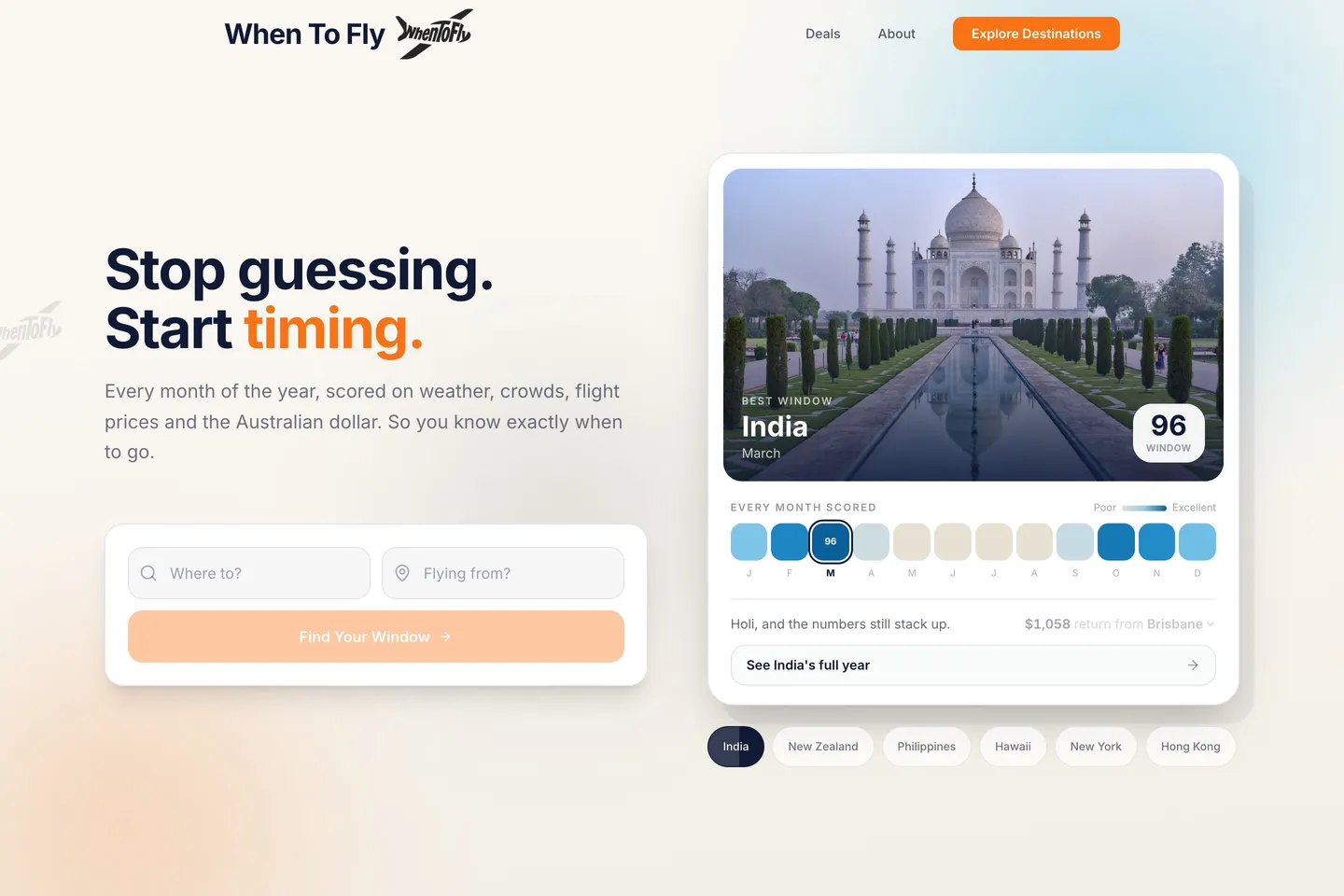
When To Fly’s homepage. The animated preview opens Explore, picks the Wellness holiday type and shows flight routes to the matching destinations.
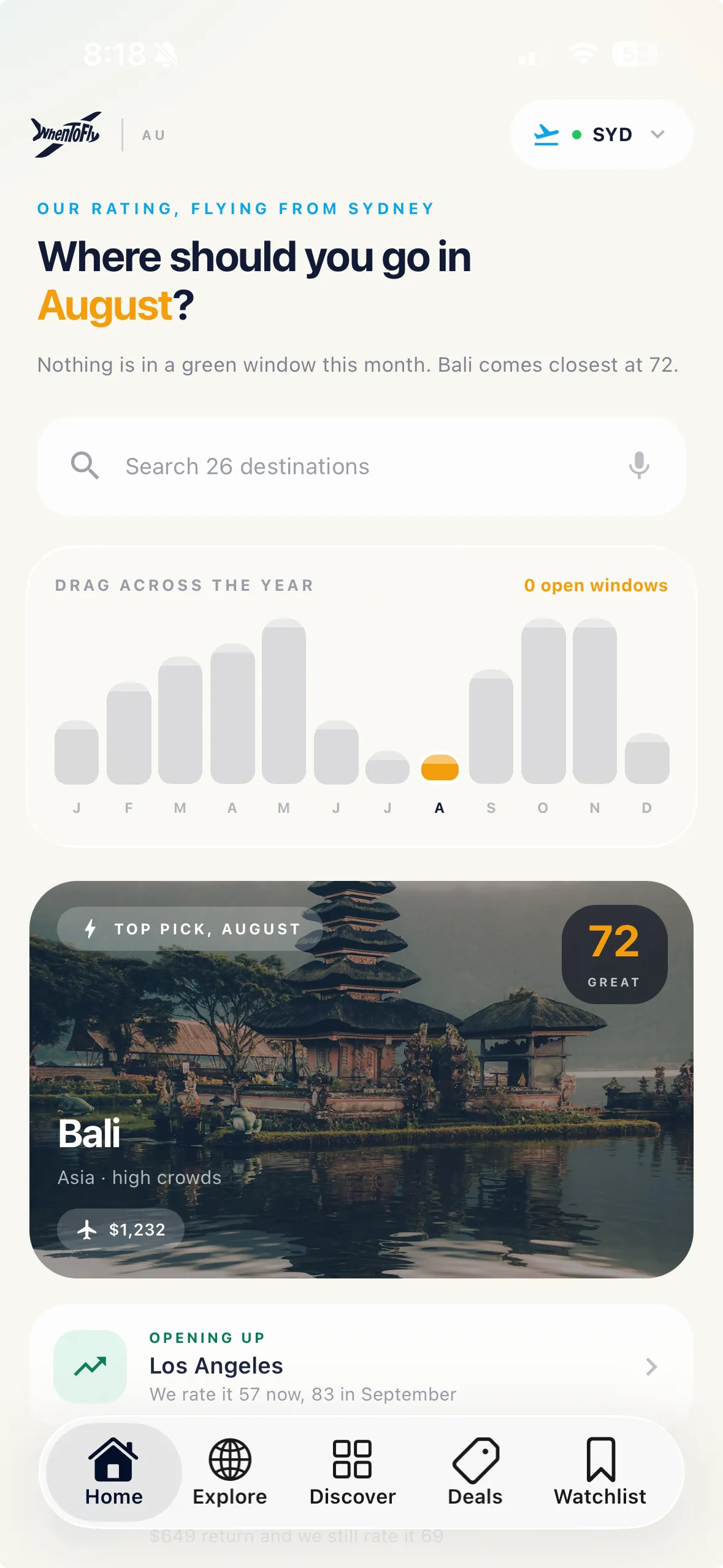
When To Fly’s iOS home screen, featuring Bali, presented in an iPhone frame.

The idea

Help travellers choose the time of year as well as the place, with seasonal information brought together for comparison.

Inside the app

  • Destination and departure-city search.
  • Monthly travel scores and destination comparisons.
  • An interactive map to explore travel options.
  • An iOS companion with saved destinations and travel-window alerts.

Explore the build

Choose a destination and see how its travel window changes through the year.

Visit When To Fly View the iOS app
Trade business · Website

Drift Property Maintenance

A website for a trade business covering property maintenance and plumbing. A homeowner can see the work Drift takes on and get in touch the way that suits them.

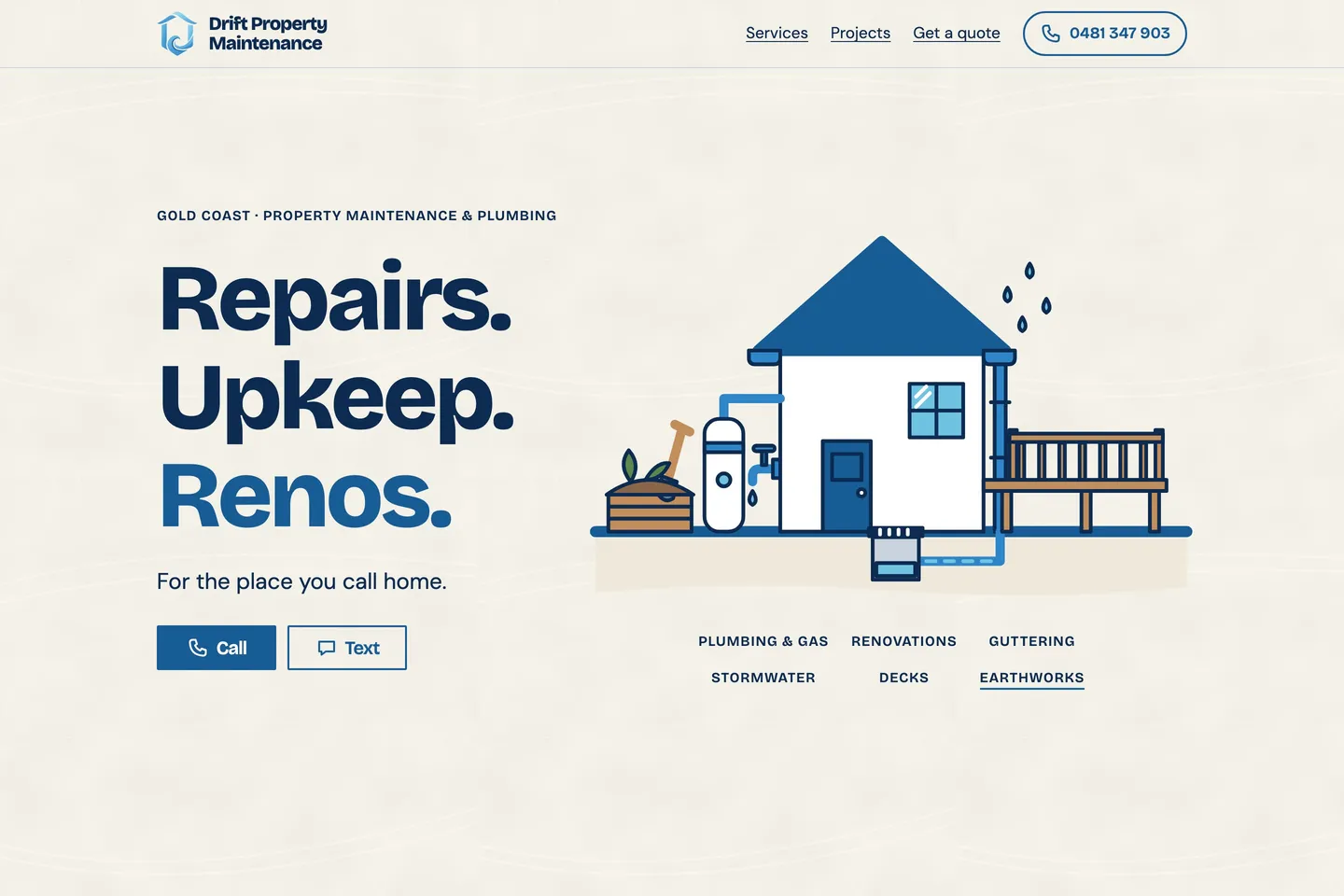
The Drift Property Maintenance homepage on desktop: the headline “Repairs. Upkeep. Renos.” with Call and Text buttons. The animated preview shows the illustrated house gaining one job at a time: a hot water system, a new door and window, gutters, stormwater drainage, a deck and a garden bed.
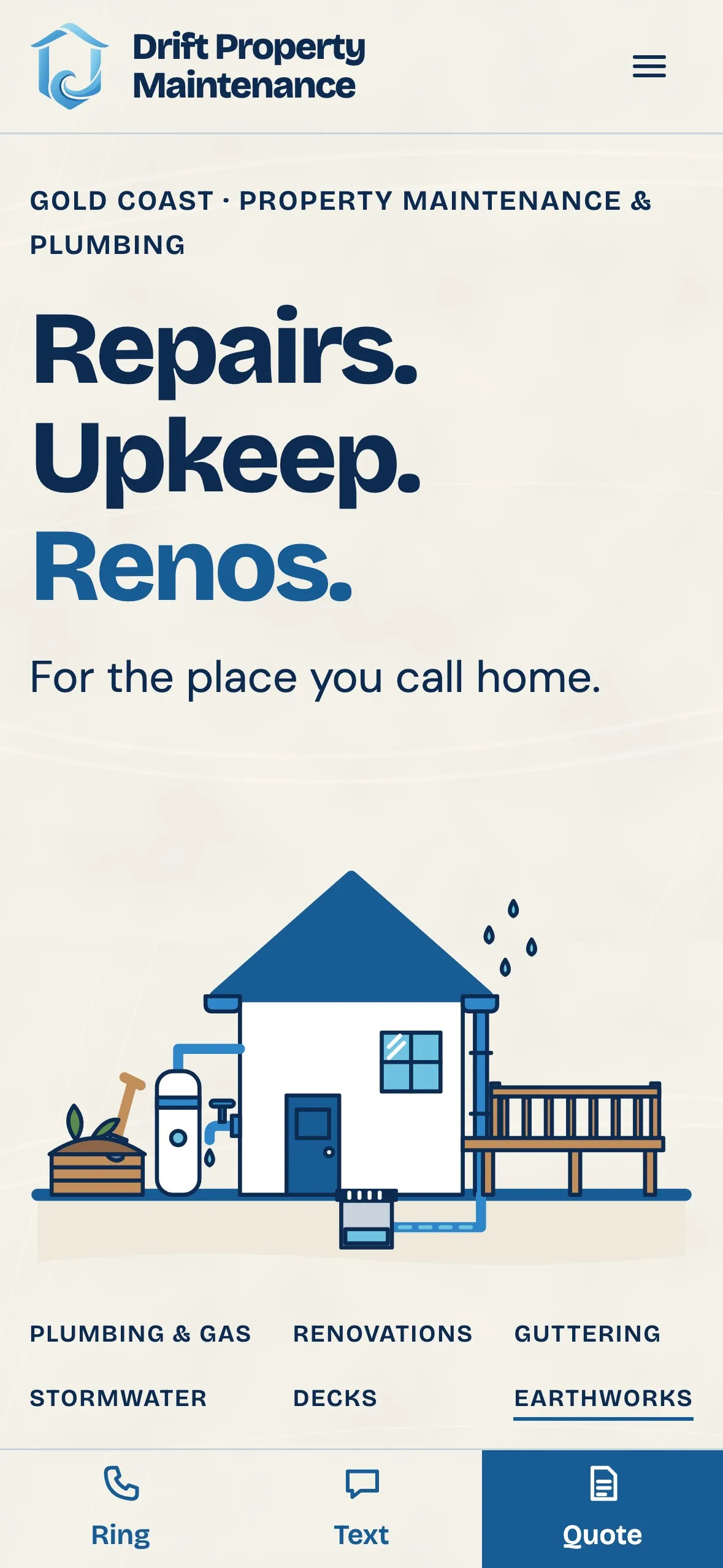
The same homepage on an iPhone, with the house building up below the headline, the six kinds of job listed under it, and Ring, Text and Quote buttons fixed along the bottom of the screen.

The idea

Make it quick to see what Drift does, then call, text a photo or ask for a quote from wherever you are on the site.

What we built

  • The six kinds of work Drift takes on, each explained in plain terms.
  • Before and after sliders for finished jobs.
  • Call, text and quote buttons kept within reach on a phone.
  • A quote request that asks how you’d like to hear back.

Built for a trade

A customer often wants to ring, or send a photo of the problem, rather than fill in a long form. Every page keeps a call, a text and a quote request close by.

In-house project

The Mozzai website

Our own website brings together design, development and interactive illustrations to explain how connected work can feel.

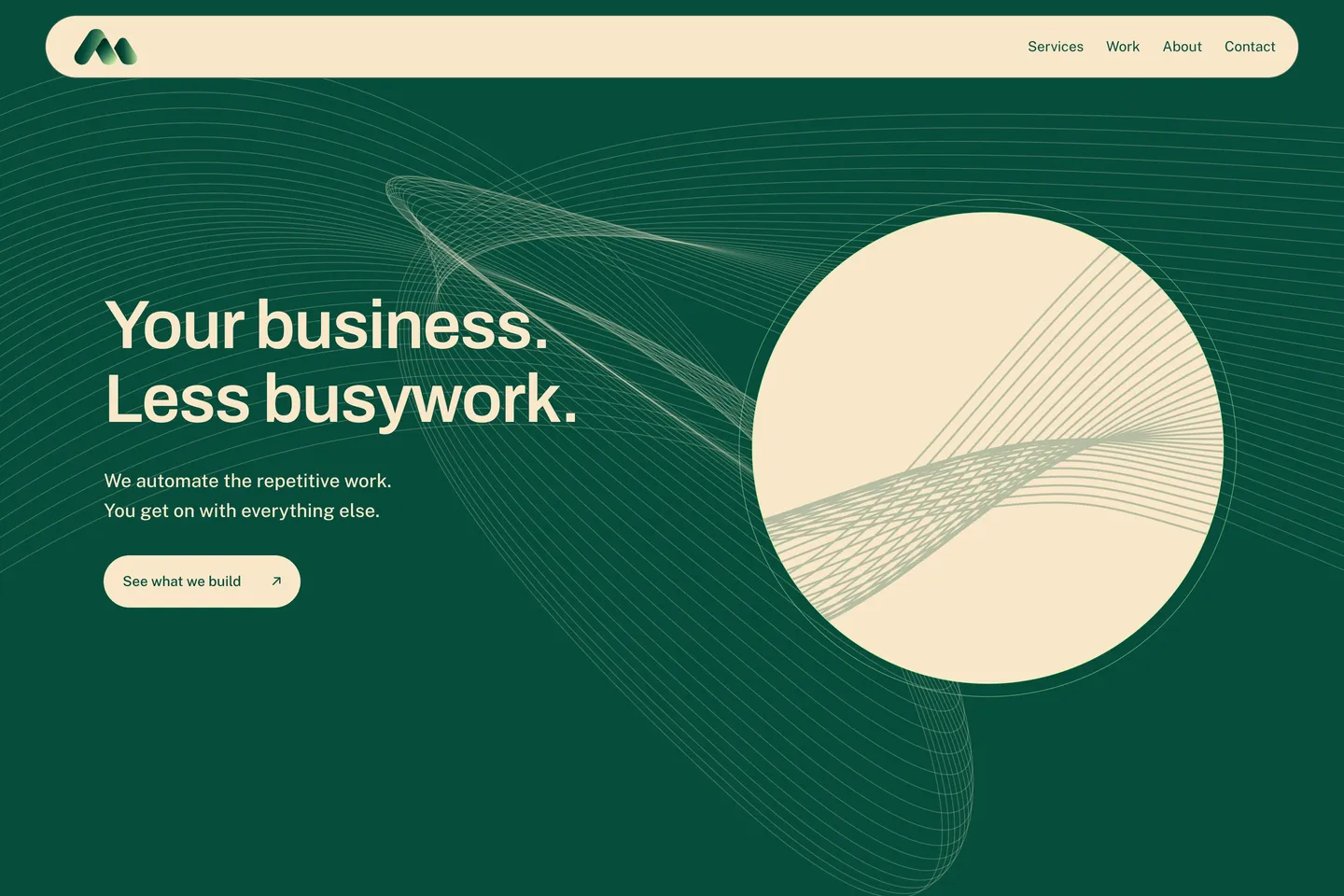
Mozzai’s desktop homepage, with the ribbon M logo, Champagne navigation and Emerald Ink hero. The animated preview shows the background lines flowing while a pointer moves a Champagne circle across the hero, revealing ordered lines beneath the tangled ones.
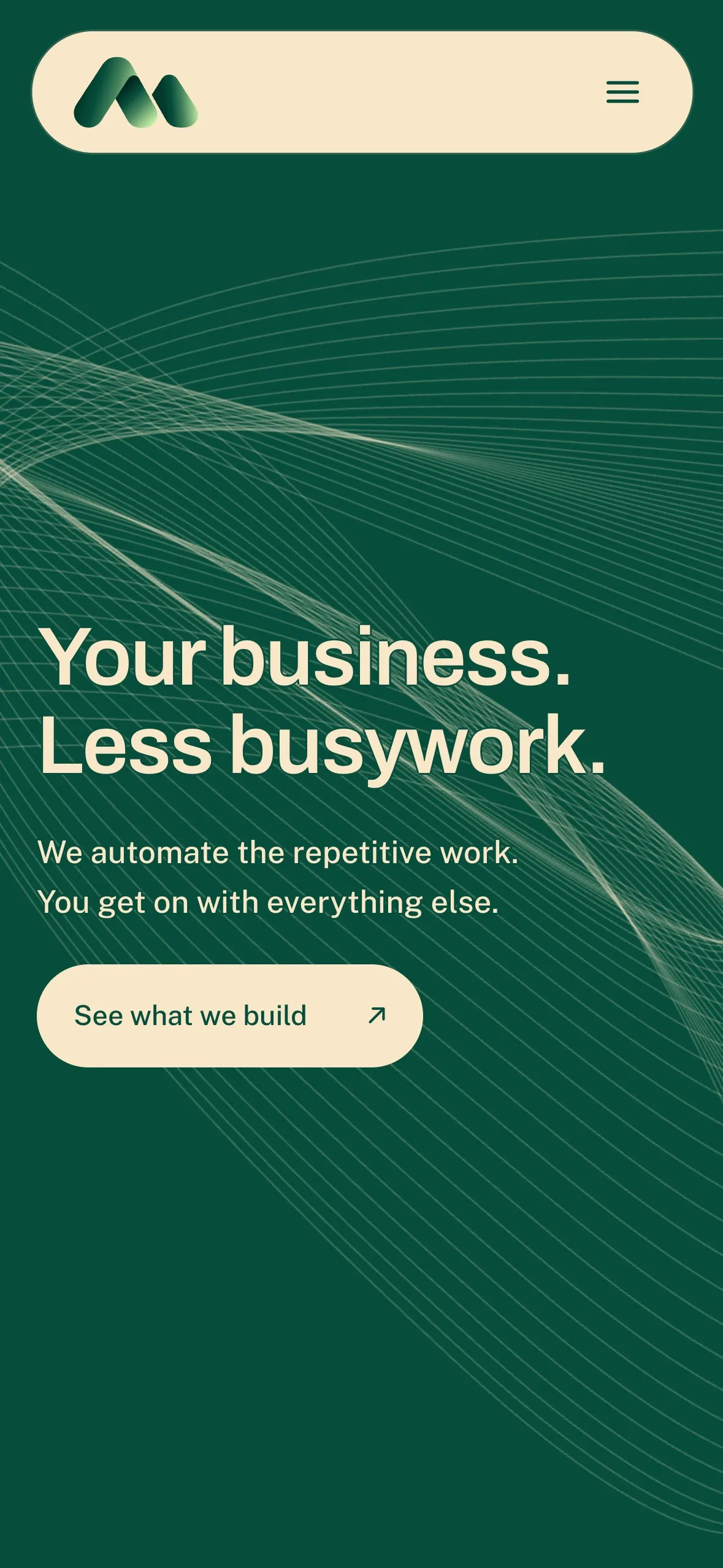
The same homepage on an iPhone, with a menu button in the header and the background lines flowing behind the centred copy.

The brief

Give visitors a clear picture of what we build and an easy way to start a conversation. The site also needed to demonstrate the care we put into the details.

What we built

  • Responsive layouts for desktop and mobile.
  • Interactive website, app and automation concepts.
  • An enquiry form with validation and clear feedback.
  • Motion that respects reduced-motion preferences.

Explore the build

Try the product views, scroll reveals and animated workflow illustration on the homepage. These are working examples within our own site.

Explore the website